For iPhone and Apple Watch
Know what’s safe to spend. Every day.
One number from your pay, bills and spending. Log what you spend and it updates. No bank login, no spreadsheets.
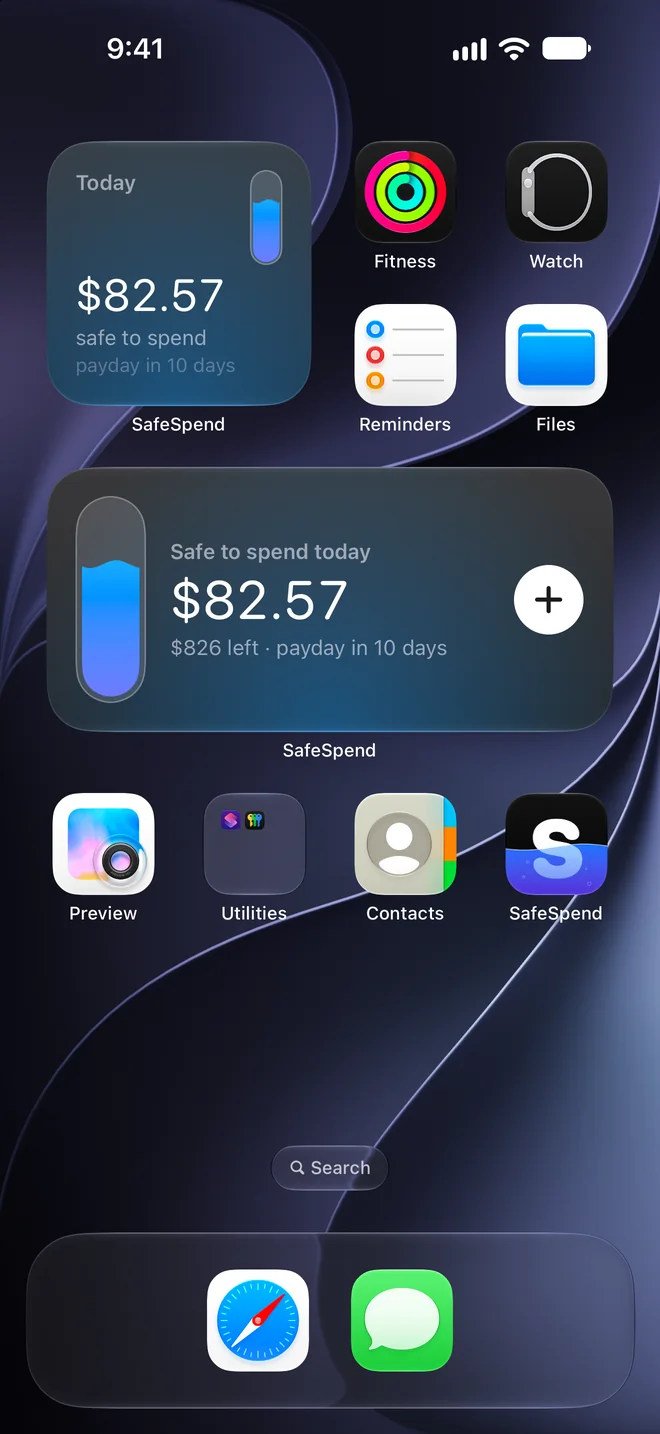
Safe to spend today
$82.57
$826 left · payday in 10 days
How the number works.
- $2,237.17Your balance
- −
- $1,411.47Bills before payday
- =
- $825.70Left to spend
- ÷
- 10Days to payday
- =
- $82.57Safe to spend today
Add a savings target or a safety buffer and they come out first too. Spend less today and tomorrow gets a little more.
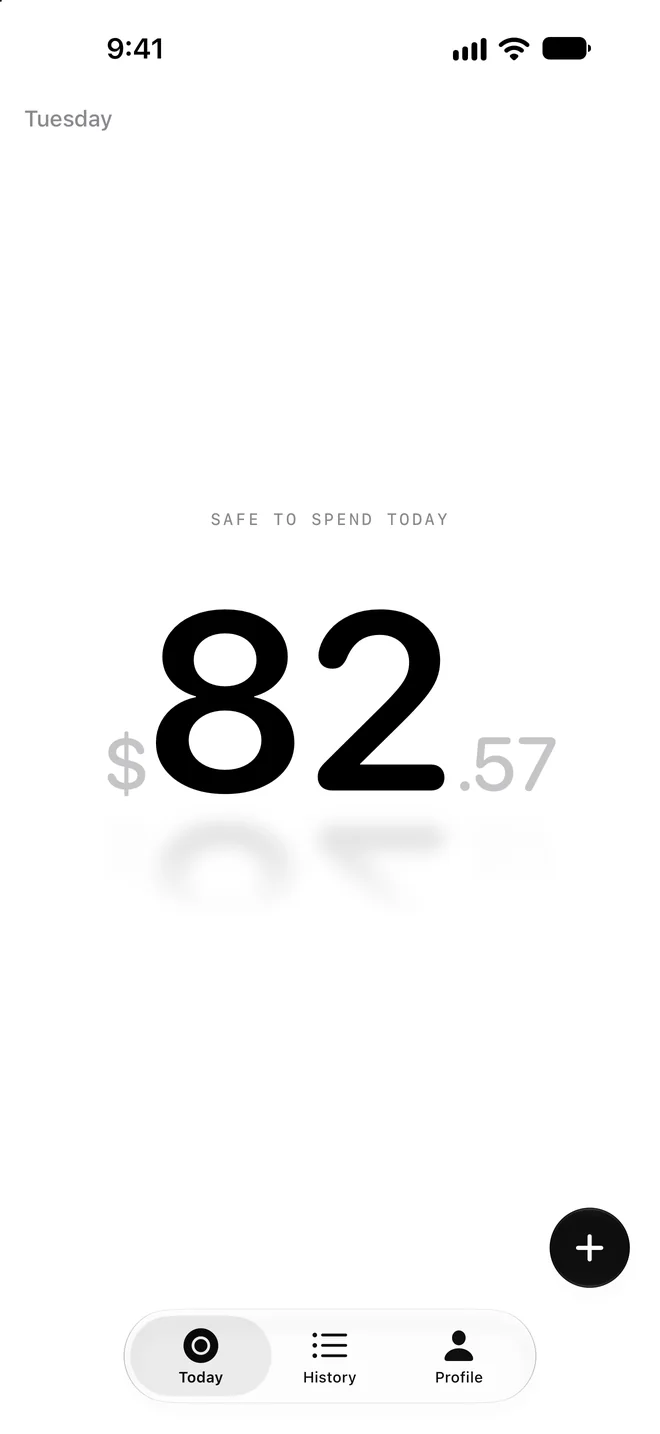
Or just the number.
Zen mode sets the reservoir aside and keeps the one thing that matters, very large, on a plain background.
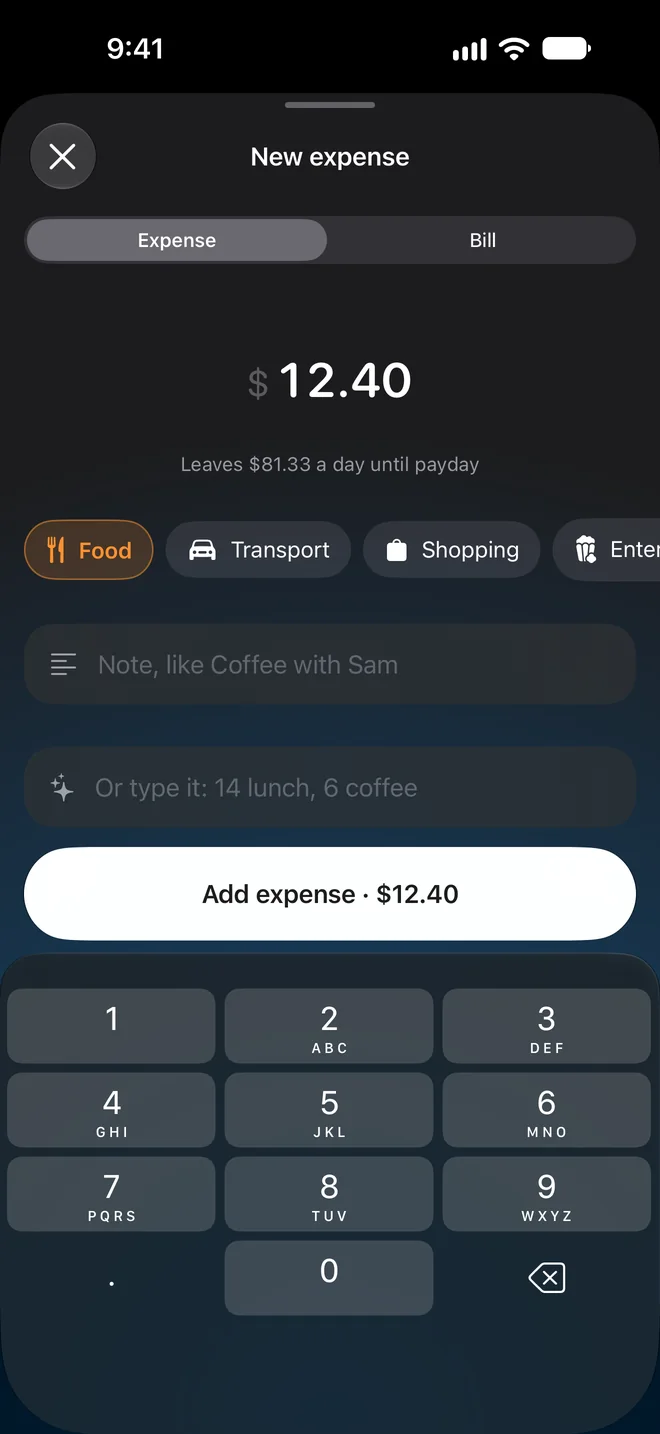
Log it in seconds.
Amount, category, done. Before you save, you see what it does to today.
Or type coffee 4, lunch 12
and SafeSpend makes two expenses, right on your iPhone. Siri and Shortcuts work too.
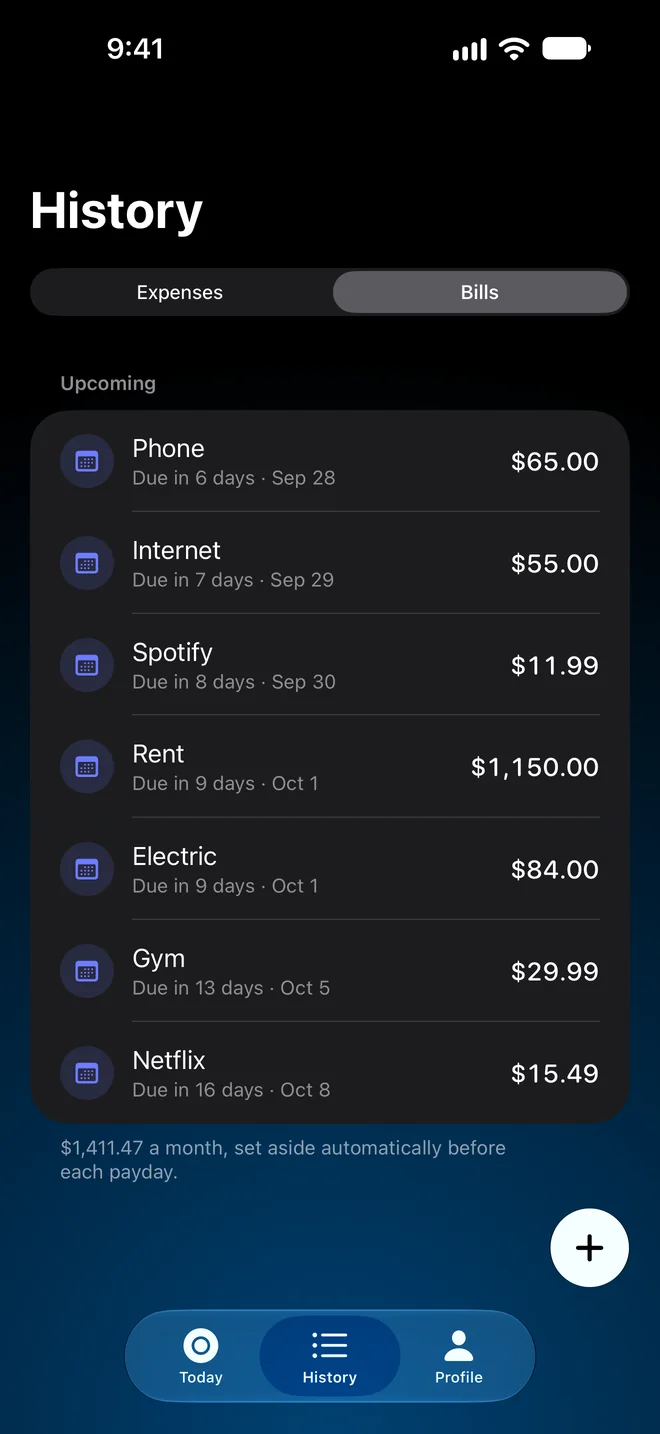
Bills, set aside first.
Rent, phone and subscriptions come out before your daily number, so it never counts money that’s already spoken for. When a bill is due, it’s logged for you.
See trouble coming.
SafeSpend stays quiet and monochrome until it matters. The colour of your liquid tells you before the numbers do.
Tap the states to see each one.
Safe to spend today
$82.57
$826 left · payday in 10 days
Calm and monochrome. Nothing to think about.
See where it went.
Every expense and bill in one list. Charts by period and by category, with an even pace to measure against. Tap a category to filter.
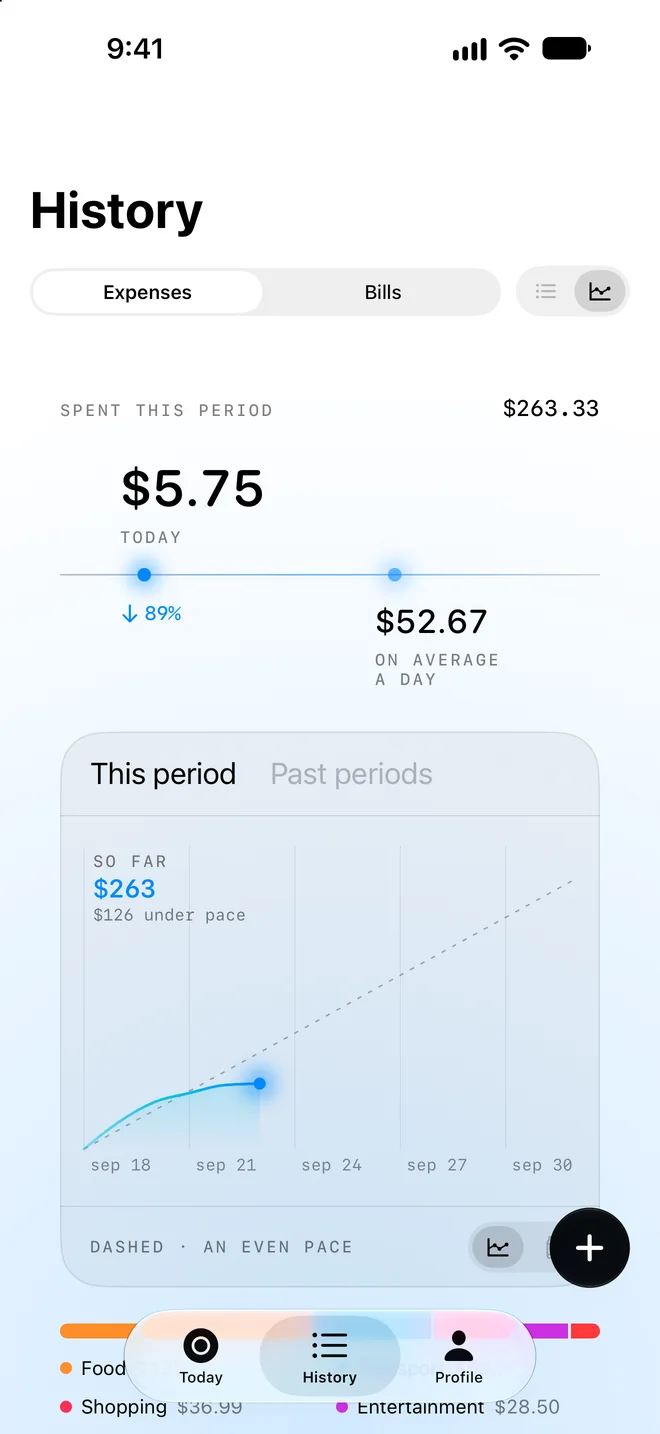
Spent this period
$263.33
$126 under pace
Spent An even pace
- Food$128.40
- Shopping$61.00
- Transport$54.20
- Entertainment$19.73
Every payday, a wrap.
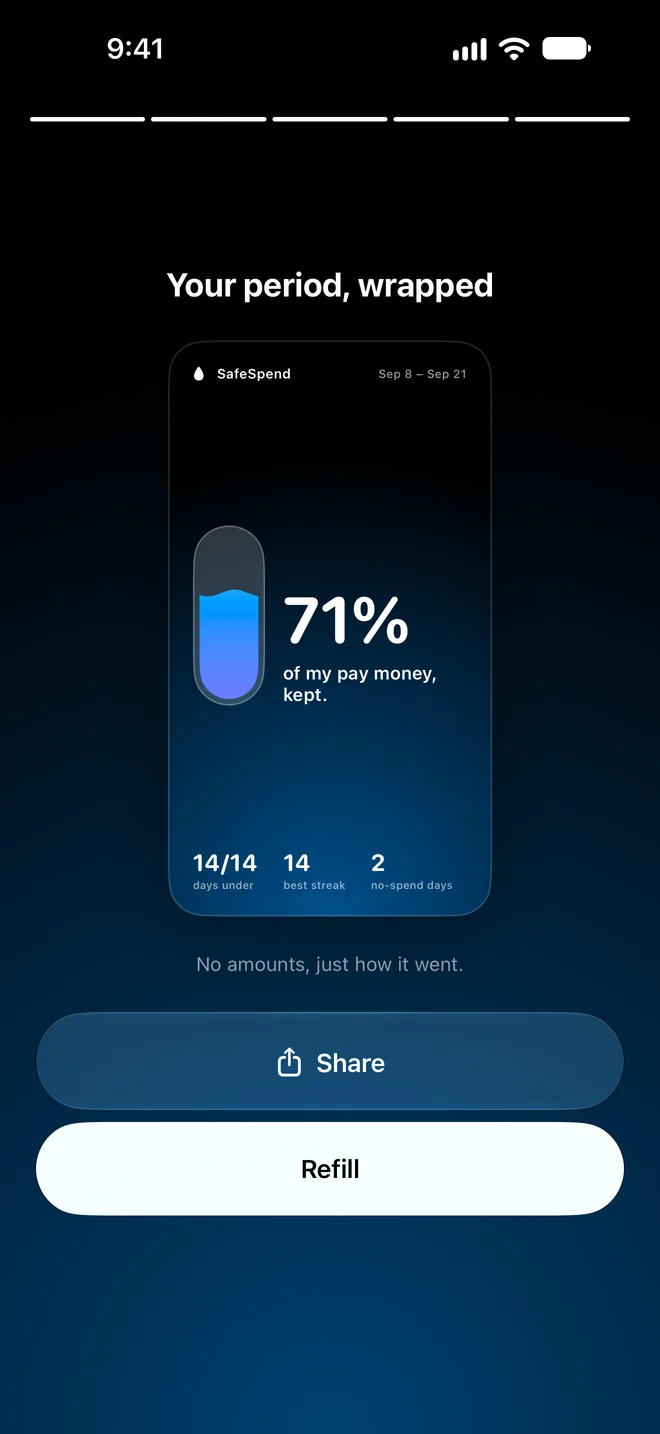
When payday comes, a short story of the period: what you kept, and a 9:16 card to share. No amounts on it, just how it went.
Your number, at a glance.
Home Screen and Lock Screen widgets keep your number and payday countdown in view. A Live Activity counts down to payday in the Dynamic Island.
On your wrist.
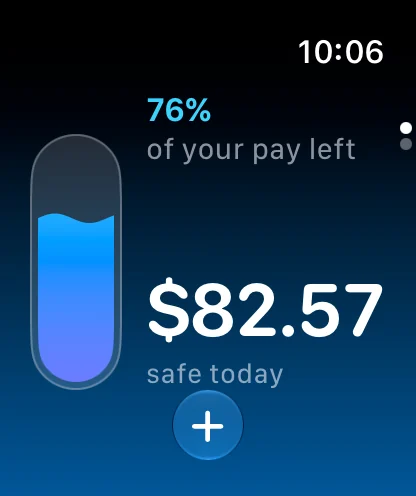
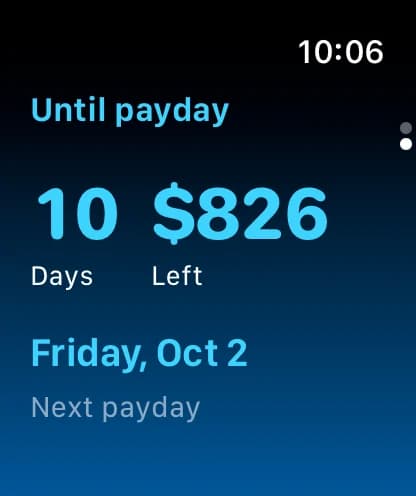
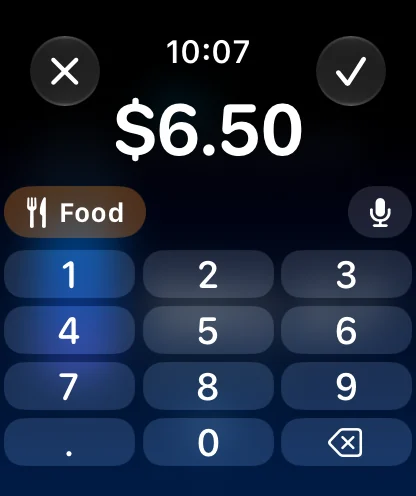
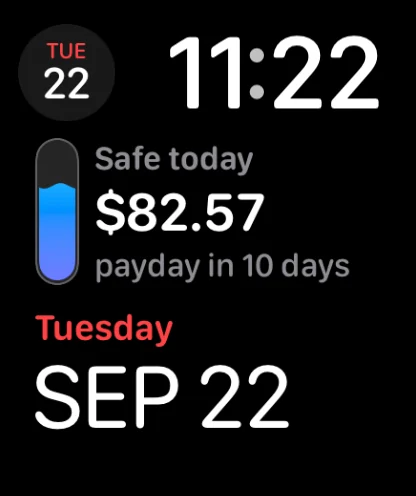
Your number and payday countdown on Apple Watch. Log an expense from the watch, and add SafeSpend to your watch face. It syncs straight with your iPhone.
Made for iPhone Duo.
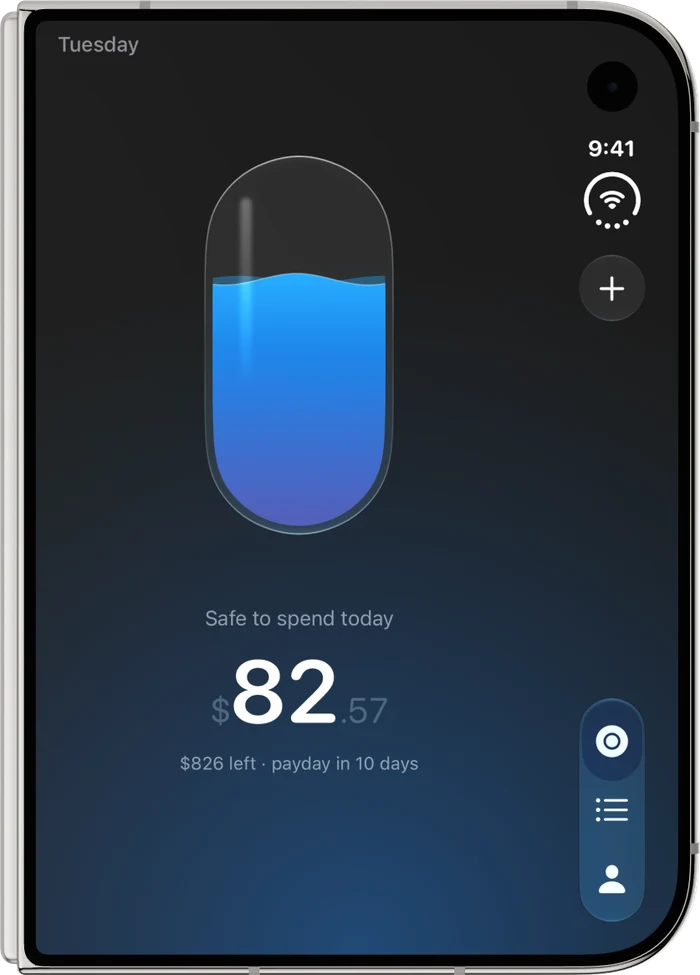
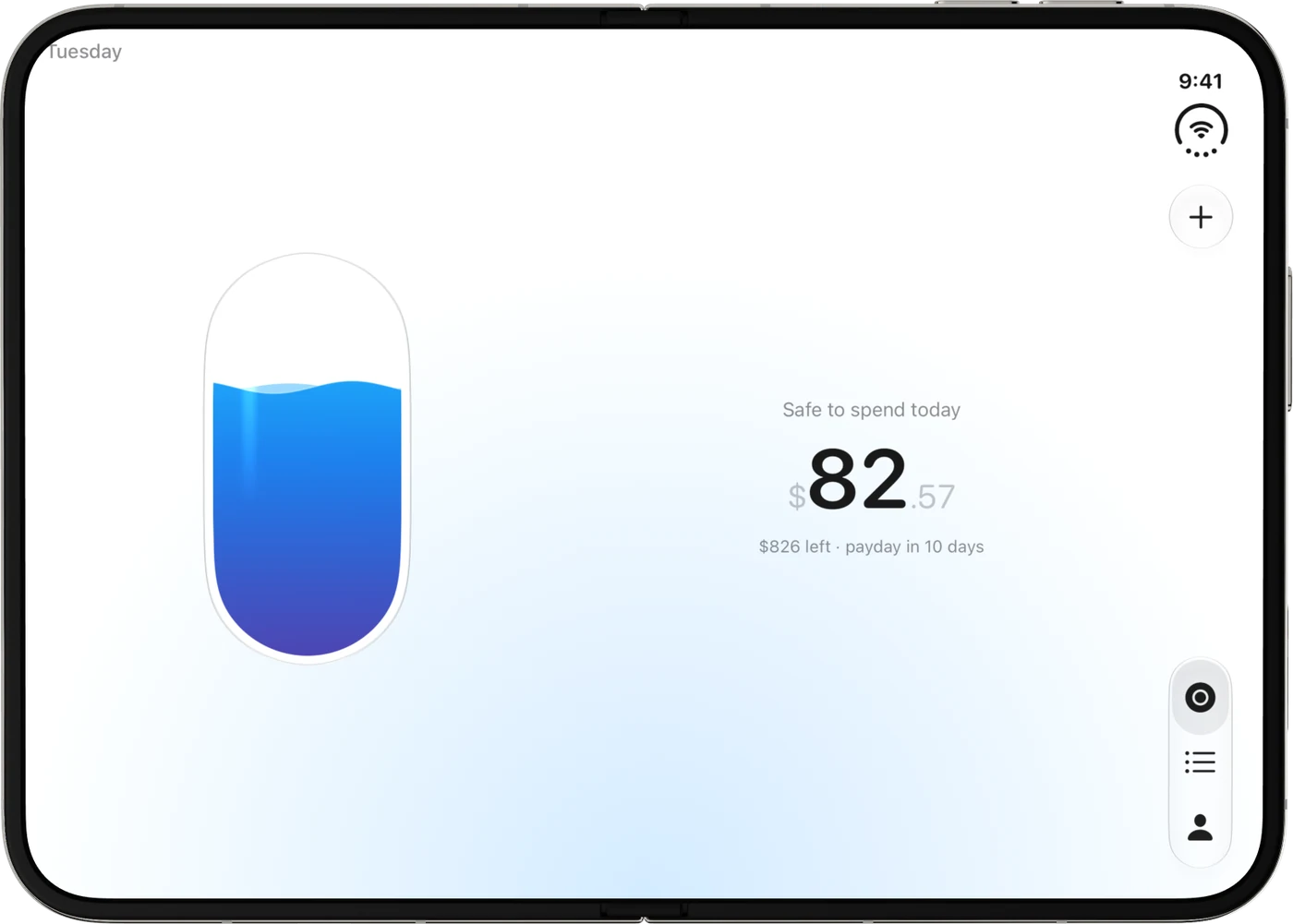
Closed, the side column keeps everything in reach. Open, the reservoir and your number sit side by side.
Icons you earn.
Ten app icons. Three are yours from day one; the rest you earn by how you spend. Each one also changes the colour of your liquid.
Yours from day one
 ReservoirFree from the start.
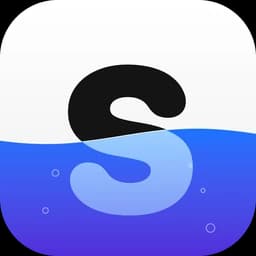 DaylightFree from the start.
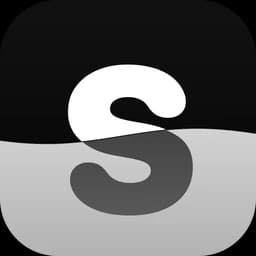 MonoFree from the start.
Earned by how you spend
 GlacierKeep money in your first pay period.
 Tide7 days in a row within your number.
 Ember3 periods in a row with money kept.
 Midnight5 no-spend days in one period.
 Aurora6 periods in a row with money kept.
 GoldYour first season: 12 paydays.
With Pro
 NeonComes with SafeSpend Pro.
Private by design.
Your money is your business. SafeSpend is built so it stays that way.
No account
No sign-up, no email, no password. Open it and start.
No bank login
You type your own numbers. SafeSpend never connects to your bank.
On your device
Your balance, bills and expenses are stored on your iPhone and shared only with SafeSpend’s own widgets and watch app.
No ads or tracking
No ads, no usage tracking. The only thing that leaves your iPhone is purchase history, so your subscription can be confirmed.
Works offline
The budgeting needs no connection. Purchases use the network, through Apple.
Reminders stay local
Payday, bill and check-in notifications are scheduled on your iPhone.
Free to start.
Try everything. Go Pro when you want to keep logging.
SafeSpend
Free
- Every feature, widgets and Apple Watch
- Log up to 3 expenses
- Reservoir, Daylight and Mono icons, plus the ones you earn
SafeSpend Pro
Monthly or yearly
- Unlimited logging
- The Neon icon
- Yearly starts with a 7-day free trial. We remind you 2 days before it ends.
Subscriptions renew until cancelled. Cancel any time in Settings on your iPhone. Terms